AI PPT Maker Review: A Practical Bridge Between Your Sources and Your Slides
0m | Oct 20, 2026Most presentations do not begin with a blank page. They begin with material that already exists: a report, a few notes, a useful article, or a recorded explanation. AI PPT Maker is interesting because it gives that material a route into a presentation draft.
The product’s value is clearest when the problem is fragmentation. You have enough information, but it lives in different places and was written for different purposes. Turning it into slides means selecting, organizing, and explaining it again.
AI PPT Maker addresses part of that work through mixed input, outline review, and three generation modes. The important question for a review is how those features fit together.
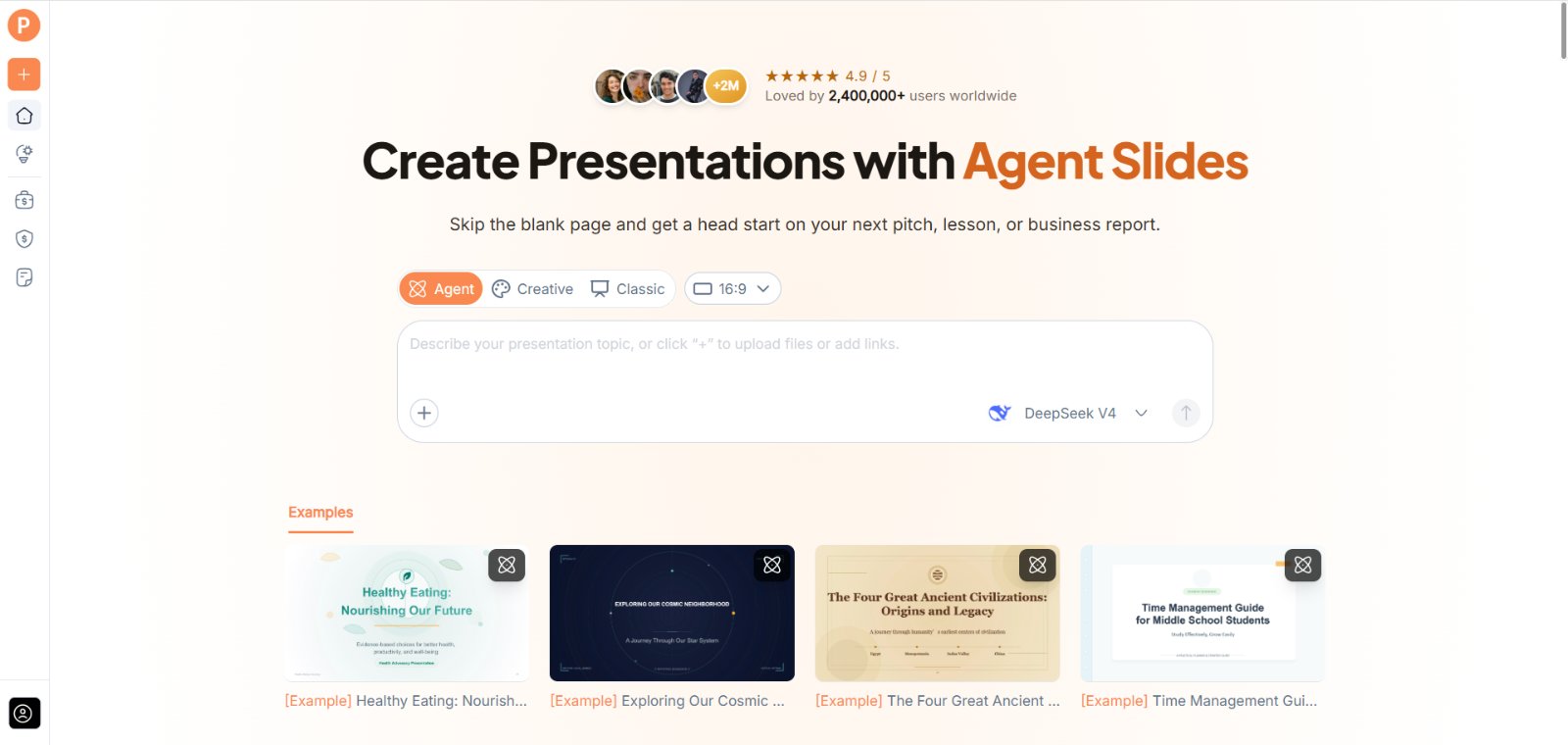
(Create presentations with AI PPT Maker’s Agent, Creative, and Classic modes)
Input Flexibility Is More Useful Than It Sounds
AI PPT Maker supports text, uploaded files, webpages, and video sources across Agent, Creative, and Classic.
That matters because a source rarely contains everything needed for a presentation. A document may explain the subject without identifying the audience. A webpage may provide background without stating the point you want to make.
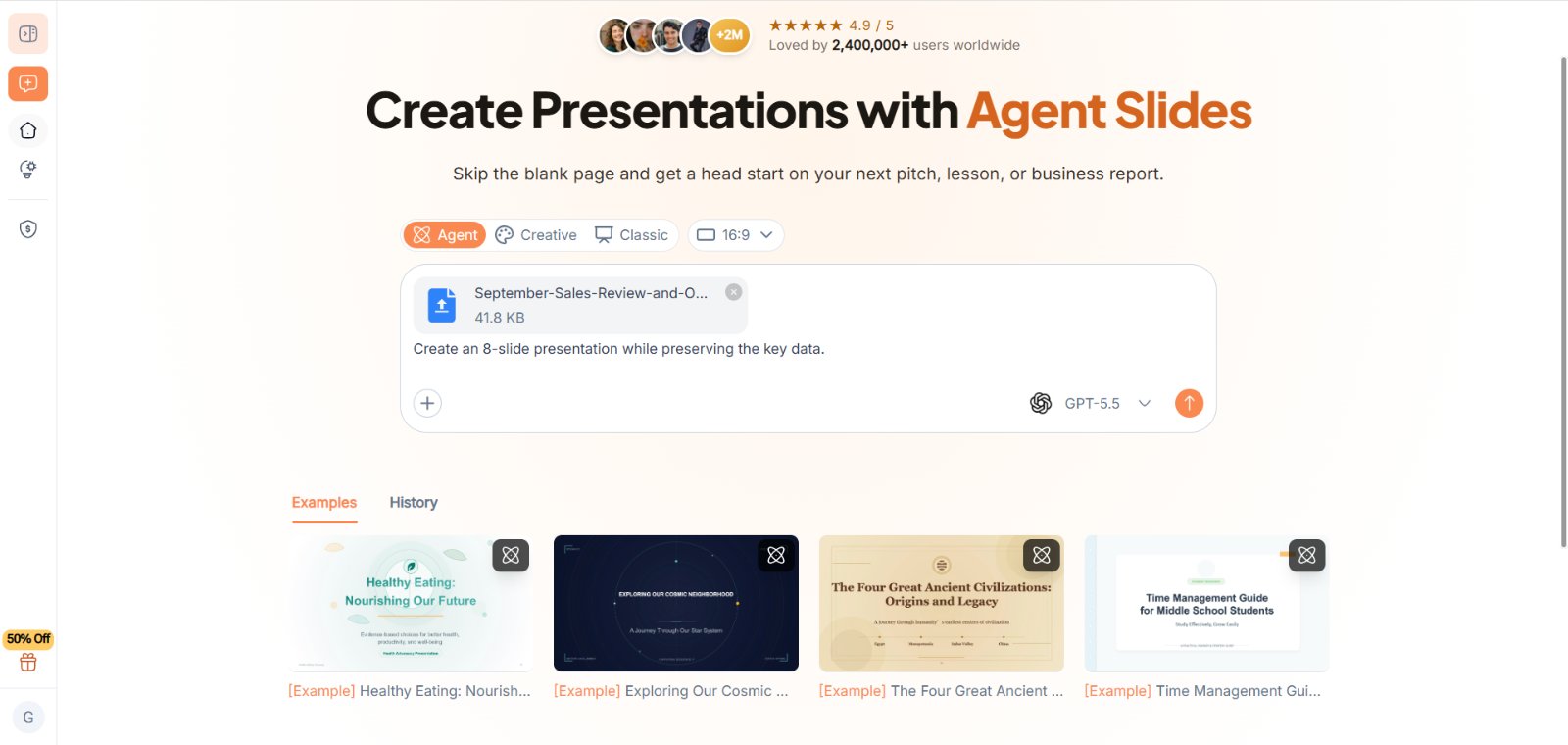
Mixed input allows source material and additional instructions to sit together.
A teacher can add lesson notes and explain what students already know. A manager can provide a report and specify the decision the meeting needs to address. A researcher can add a paper and identify which findings deserve attention.
The Instructions Supply the Missing Purpose
The source answers “What information is available?” Your brief answers “What should this presentation do?”
Those are different questions.
A useful request could say:
Use the attached report as the factual source. Create a presentation for colleagues who need to understand the main findings and proposed next steps. Keep unresolved questions visible and do not add unsupported figures.
AI PPT Maker now has material and direction. That combination is more useful than uploading a file and hoping the intended story is obvious.
More Sources Do Not Automatically Mean a Better Draft
Input flexibility can encourage people to add everything they have.
That is not always helpful. Old documents, overlapping notes, and conflicting figures make the task harder to define.
Select the current sources and explain their roles. Identify which document governs the facts and which material provides context.
AI PPT Maker can organize the information you provide, but it should not be expected to resolve an internal disagreement about which figure is correct.
Clarify What Must Remain Accurate
Names, dates, figures, and qualifications need explicit attention.
If a statement is a forecast, keep it labelled as a forecast. If a proposed arrangement is unconfirmed, make that status clear.
This is where a careful brief improves the review process. You can compare the resulting draft against a defined source rather than judge it only by whether it sounds plausible.
(AI PPT Maker for Multi-Source Input and Content Integration)
Outline Review Is the Product’s Important Checkpoint
All three modes in AI PPT Maker allow outline review and adjustment before generating slides.
This provides a chance to inspect the story before the design makes it feel finished.
Does the presentation explain the main point early? Has it repeated the same idea? Is a necessary qualification missing?
Changing a heading or section at this stage can prevent the wrong structure from spreading across the final pages.
Look for a Presentation, Not a Shortened Document
A document’s section order may not suit a spoken explanation.
A report might begin with background and place the conclusion at the end. A meeting may need the headline finding first.
AI PPT Maker gives you an outline to assess, but the audience determines whether that sequence works.
Review the draft as a listener. You should be able to explain why one section follows another.
Agent Adds a Conversational Route
Agent mode supports multi-round conversation in AI PPT Maker.
That is useful when the first brief does not contain enough context. You can explain that the audience is unfamiliar with a term, clarify the meeting’s purpose, or add a missing qualification.
A specific follow-up is more useful than a general request for improvement:
Explain this concept before presenting the result. Use the definition in the source notes and keep the wording concise.
Agent also includes AI image generation and exports PPTX for continued work in PowerPoint.
The benefit is a developing brief rather than a requirement to write one perfect prompt at the beginning.
Creative and Classic Offer Different Finishing Routes
Creative emphasizes visual expression and exports PNG images.
Classic offers a template-based workflow, with more than 1,000 templates available through AI PPT Maker. It supports PPTX and additional download options including PDF and Keynote.
Those differences matter after generation.
A student preparing visual pages may have different needs from a consultant who expects repeated PowerPoint revisions. The appropriate mode depends on the deliverable as well as the appearance.
Source Support Is Not a Promise of Exact Reconstruction
Adding a document does not mean every original table, diagram, or layout will be reproduced exactly.
Treat the presentation as a new draft based on the material. Verify factual content and add reviewed visuals where necessary.
For video sources, check the relevant details against the original rather than assuming every moment has been represented accurately.
AI PPT Maker is most useful when generation and review are treated as parts of the same workflow.
The Download Is Part of the Review
Agent and Classic support PPTX downloads. Creative exports PNG images.
Classic also offers outline downloads in TXT or Markdown, useful for inspecting the structure separately from the visual design.
That is a practical feature for anyone who wants to review the argument before spending time on the pages.
Agent supports sharing a conversation link, which can help another person understand the brief. It should not be confused with live co-editing.
A Sensible First Evaluation Uses Familiar Material
Choose a short document you understand well. Add a clear purpose and compare the outline with your intended message.
Then check the generated draft for accuracy, omissions, and revision needs.
Other options include PPT Maker and NoteGPT’s AI Slide Generator. The appeal of AI PPT Maker is its combination of source flexibility and review points within the presentation workflow.
Where the Product Makes Sense
AI PPT Maker is a practical option when you already have useful material and need help turning it into a presentation draft. Start with current sources, explain the audience and purpose, and inspect the outline before generating slides. Try AI PPT Maker(https://aipptmaker.ai/) with one familiar document, then evaluate how much useful work remains. Keep PPT Maker(https://pptmaker.io/) in mind as another option as you compare presentation workflows.